





Fireworks Timer Online
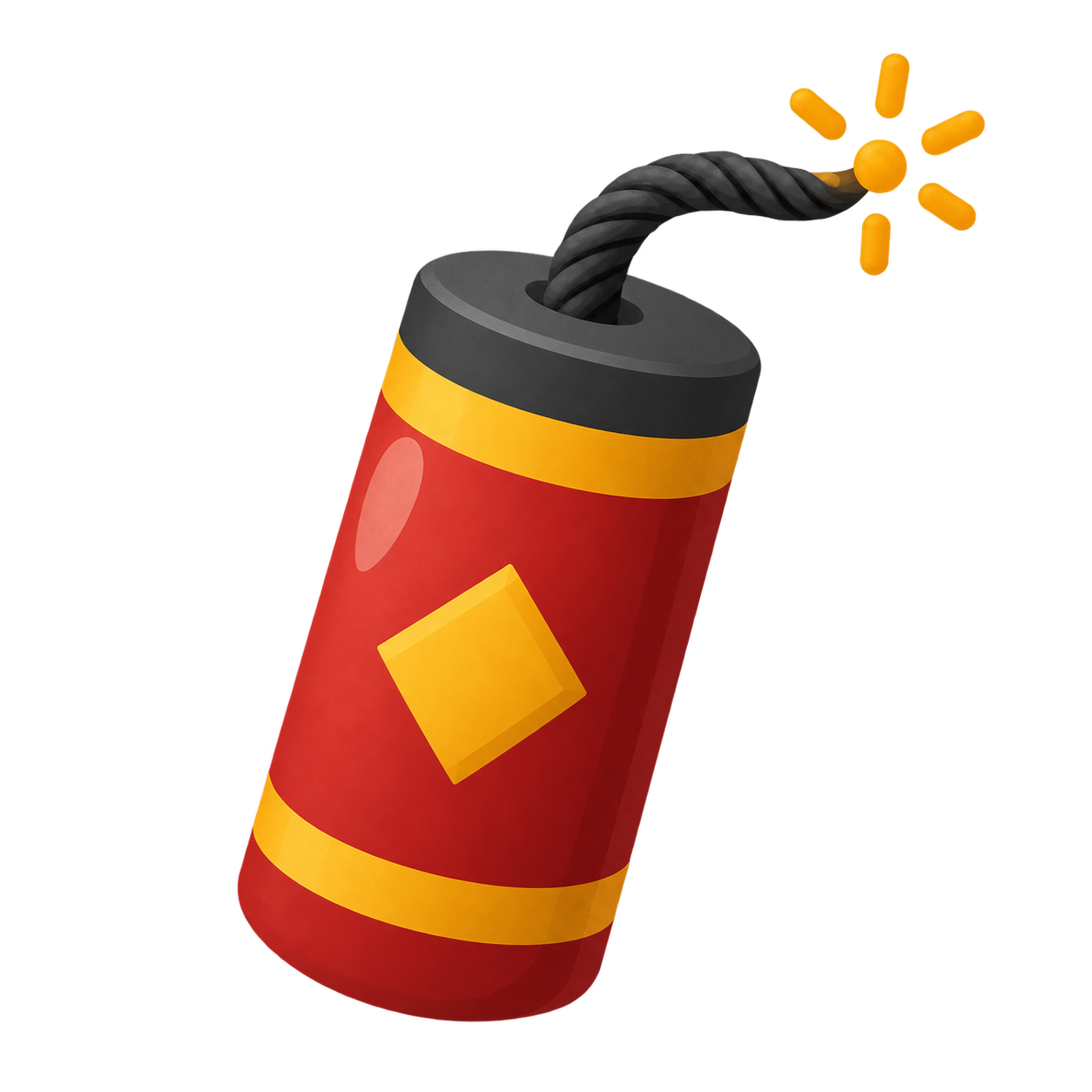
Fireworks Timer is a free countdown with a firecracker resting on the ground beneath a black, starry sky. Its fuse burns as time passes, and large digits show exactly how long remains. At zero, waves of colorful fireworks spread across the timer scene. Use Fireworks Timer online for classroom games, team challenges, tidy-up rounds or a celebration countdown. Pick a preset or enter your own duration; there is no account to create or software to install.
Maintained by the ClassroomTimers team ·
How to use Fireworks Timer online
Choose the activity and tell everyone what should happen when the display reaches zero. Select a duration, check the sound setting and press Start. The firecracker stays on the ground while its fuse shortens. You can pause for an explanation, resume the same round or reset for another attempt. A short preview helps a group recognize the finish signal.
Set the countdown
Choose 10 seconds, 30 seconds, 1 minute, 2 minutes or 5 minutes. Custom time lets you enter another length in hours, minutes and seconds.
Light the fuse
Press Start when everyone is ready. Fireworks Timer begins counting down, and the glowing fuse shortens in step with the time that has elapsed.
Pause the round
Pause freezes both the digits and the fuse. Resume continues from the remaining time, so an interruption does not require starting the activity again.
Start another round
Reset restores the full fuse and selected duration. Once the countdown finishes, Restart runs a new round with the same length; celebrations do not repeat automatically.
What happens during the Fireworks Timer countdown
The fuse follows the elapsed fraction of your chosen duration, rather than burning through a separate animation loop. In the final ten seconds, the glowing tip gives off more sparks. During the final five seconds, up to three small fireworks warm up the sky. Fireworks Timer starts the full celebration at zero: an opening burst is followed by several waves launched from the ground at varied heights. These fireworks cover the full hero area, behind the controls and readout. After they fade, the black sky keeps its scattered stars without a permanent burst pattern.
A Fireworks Timer for classroom routines
Use Fireworks Timer online to close a group activity with an unmistakable visual finish. For example, give teams two minutes to sort cards, then stop at the fireworks and compare answers together. A one-minute tidy-up countdown can also mark a transition between lessons. Agree on the task before starting and allow extra time where needed. The celebration marks a shared endpoint; it does not score students or decide who has completed their work correctly.
Fireworks Timer for games and celebrations
Try a thirty-second guessing round, a five-minute team puzzle or a ten-second countdown before revealing a classroom project. Fireworks Timer lets everyone watch the same deadline and see the celebration afterward. Use it for practice rounds as well as the final reveal, and explain whether participants should stop immediately or finish their current action at zero. For quiet focus work, mute the alert and use the digits as the main reference. Each round is started manually.
Choose a Fireworks Timer duration
10–30 seconds
Use a short Fireworks Timer for a final reveal, a quick guess or a celebration countdown. Make sure everyone is ready before pressing Start.
1–5 minutes
Allow one minute for tidying, two minutes for a team discussion or five minutes for a puzzle. Adapt the duration to the activity and the group.
Custom countdowns
Set a longer Fireworks Timer for a project or event activity. The custom picker supports up to 23 hours, 59 minutes and 59 seconds; keep the browser awake.
Sound, full screen and motion preferences
Choose an alert or switch sound off in Settings. Fireworks Timer online still shows the countdown and finish visually with audio muted. Full screen expands the scene for a projector or shared display. Reduced-motion preferences skip the moving particles while the numeric timer continues normally. At the end, the Time’s up state remains after the fireworks disappear. Keep the page open and your device awake: browser suspension may delay an alert. Preview the visual effect and sound before using it with a group.
Fireworks Timer online: frequently asked questions
- Can I use Fireworks Timer online for classroom games?
- Yes. It suits guessing rounds, team challenges and transitions when a visible celebration is welcome. Preview the effect, choose a comfortable alert volume and explain what zero means.
- Do the fireworks begin before zero?
- Yes. Up to three small fireworks appear during the final five seconds as a warm-up. The full celebration begins at zero with several waves across the sky. Pausing freezes the warm-up together with the fuse and digits.
- Can I set a custom Fireworks Timer?
- Yes. Open Custom time, choose hours, minutes and seconds, then confirm. The burning fuse follows that duration, whether you choose a quick round or a longer activity.
- Can I pause without losing the remaining time?
- Yes. Pause freezes the timer, fuse and particles; Resume continues from there. Reset returns to the selected starting duration. Restart after the finish begins a new round.
- Can Fireworks Timer online run silently?
- Yes. Turn sound off in Settings before starting. The numbers and visual celebration still show the finish. Reduced-motion preferences separately control decorative particles; they do not mute audio.
- Is Fireworks Timer free, with no download?
- Yes. Use the timer in your browser without signing in or installing anything. Keep its tab open while timing. Actual alerts depend on browser activity and your device settings.