



What are fun timers for classrooms and kids?
Fun timers turn an ordinary countdown into a visual cue people can understand at a glance. Instead of watching digits alone, students and children can follow a fuse, fading rainbow, falling sand, changing traffic light, shrinking candle, cooking egg, or popping kernels. That visible progress helps a group understand how much time remains without repeated reminders.
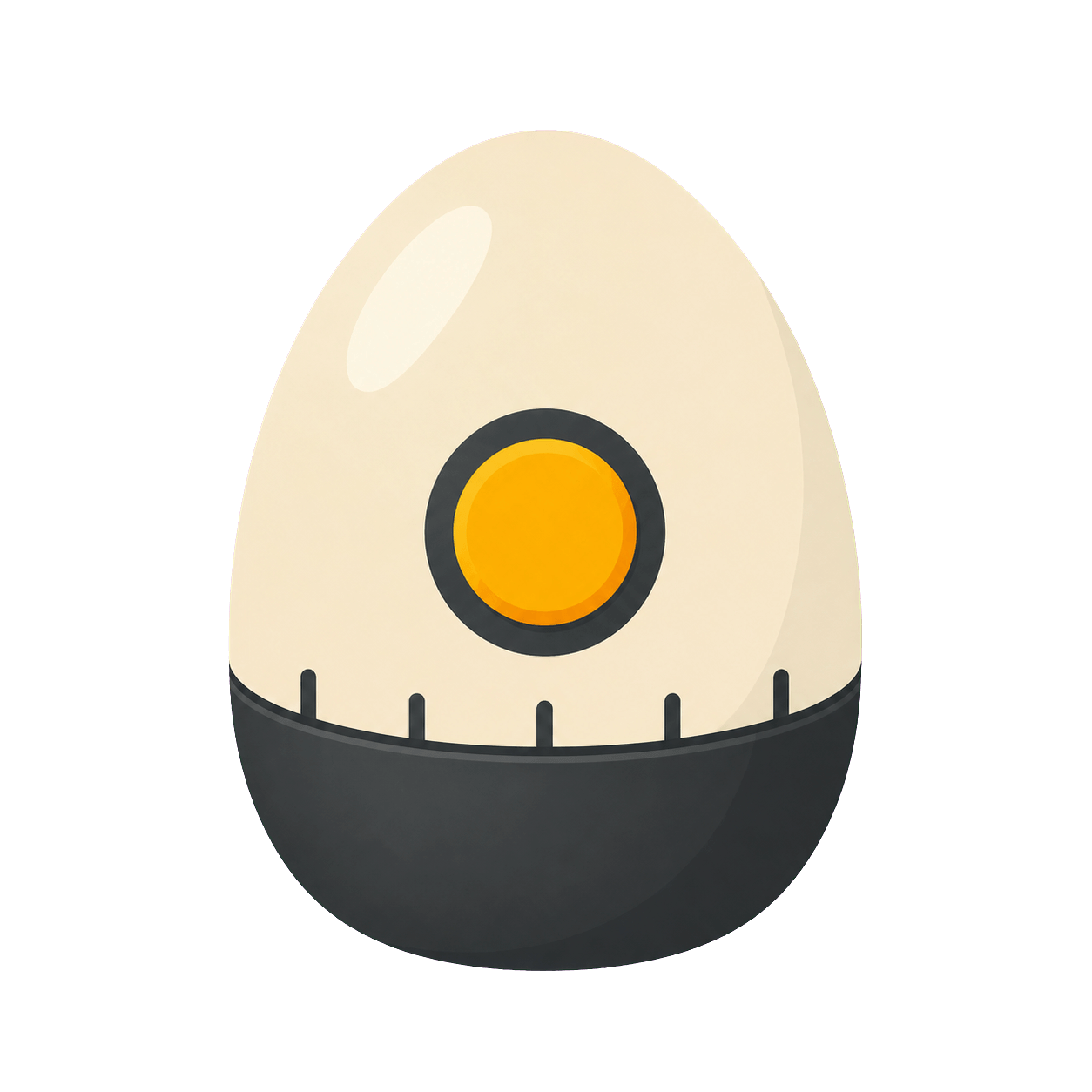
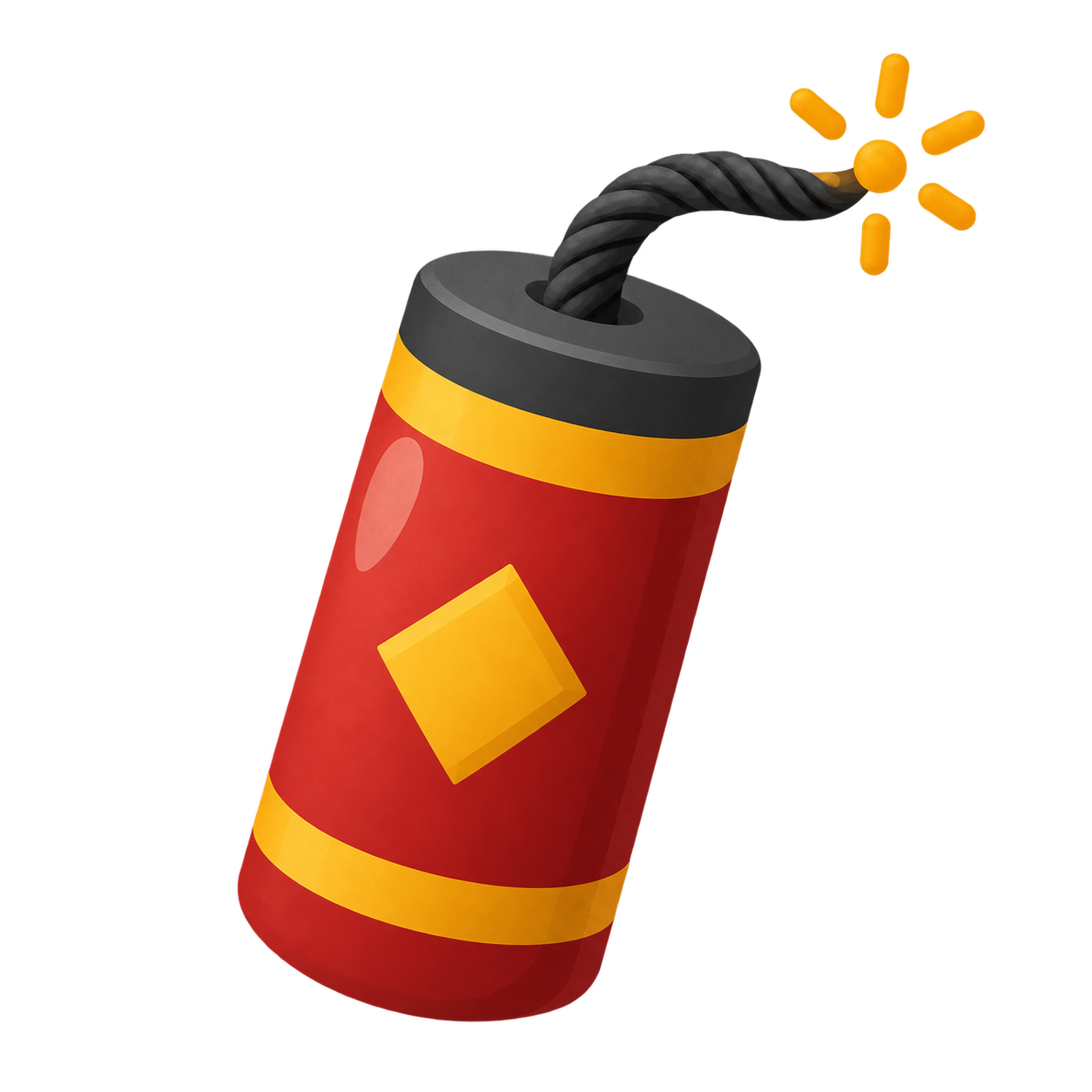
When you want urgency, Bomb and Popcorn make a short challenge feel energetic. Rainbow and Traffic Light divide time into clear visual stages. Sand and Candle stay quieter for reading, independent work, or settling a room, while Egg gives cooking activities a familiar goal. The numeric countdown remains visible in every design, so the playful animation never replaces precise time.
Fun classroom timers
Put a timer on a projector or shared display for transitions, tidy-up time, group rotations, quick quizzes, and end-of-lesson tasks. Everyone sees the same deadline without the teacher repeating it.
Fun timers for kids
Use a playful countdown for getting ready, screen-time boundaries, chores, reading, games, or simple cooking activities. Choose the visual that suits the child and the energy of the task.
Study and quiet-time timers
A Sand or Candle Timer gives study sessions, silent reading, and calm breaks a gentler sense of progress. The display stays easy to read without turning every activity into a race.
How to choose the right fun timer
Match the timer to the feeling you want to create. Pick Bomb or Popcorn for an energetic beat-the-clock challenge, Rainbow for bright visual progress, Traffic Light for a clear work–wrap-up–stop sequence, or Sand and Candle for calmer activities. Egg is useful when a cooking task already has a familiar target. You can start from a preset on each page or enter a custom duration for your own routine.
How do I use fun timers to guide classroom activities?
A visible countdown works best when students know what the timer means before it starts. Briefly name the activity, explain what should happen at zero, and choose a visual that matches the pace. A Traffic Light Timer can reserve its yellow phase for tidying or writing a final sentence. A Rainbow Timer can show continuous progress during independent work. A short Bomb or Popcorn Timer can mark a quick challenge without becoming the main event.
Place the timer where the whole group can see it, but keep the lesson or task as the focus. Full screen is useful on a projector or interactive whiteboard; a tablet or spare monitor can work for a small group. If students need fewer visual distractions, choose Sand or Candle and use the device’s reduced-motion setting. The exact digits remain available for anyone who needs a precise time check.
Transitions and tidy-up time
Use a one- to five-minute countdown when students need to put away materials, move between stations, prepare for the next subject, or return from a break. State the expected finish first, then let the visual progress replace repeated verbal reminders.
Group work and class games
Give every group the same visible time limit for discussion, sorting, brainstorming, or quiz rounds. Traffic Light is helpful when teams need a warning phase, while Bomb or Popcorn adds energy to a single short round.
Independent routines
Use Rainbow, Sand, or Candle for reading, handwriting, vocabulary review, reflection, or a quiet start-of-class task. A consistent timer style can become a familiar cue that helps students begin and finish with less prompting.
Which fun timer lengths fit different activities?
Fun timers can support anything from a one-minute transition to a longer study block. The best duration depends on the task, the age of the group, and whether the timer marks work time or a transition. These ranges are practical starting points rather than fixed rules. Use a preset when it fits, or enter a custom time that matches your lesson plan.
1–5 minutes: quick actions
Short fun timers suit tidy-up races, retrieval questions, choosing materials, quick movement breaks, brushing teeth, or checking food. Bomb and Popcorn make the deadline obvious; Egg offers familiar 3-, 6-, and 9-minute cooking presets.
5–15 minutes: focused tasks
Use this range for warm-ups, short writing, partner discussion, vocabulary practice, classroom games, or a reading sprint. Rainbow shows steady progress, and Traffic Light can reserve the final phase for checking or sharing work.
15 minutes and longer: calm progress
Longer independent work, sustained reading, creative projects, and study sessions usually benefit from a less urgent visual. Sand and Candle communicate progress quietly while the numeric countdown keeps the remaining time exact and easy to verify.
How do I keep playful countdowns clear and supportive?
Fun timers should make time easier to understand, not create unnecessary pressure. Avoid choosing an explosive finish for a student who finds sudden changes stressful, and do not make every routine a competition. A calm visual can still be engaging. Give an early verbal warning for important transitions, allow reasonable finishing time when a task runs over, and pause the timer when the activity itself needs clarification.
For younger children or mixed-needs groups, combine the visual countdown with a short instruction such as “finish this sentence” or “put the blocks in the box.” Keep the screen visible without making students stare at it continuously. When motion needs to be quieter, reduced-motion support simplifies decorative effects while informational progress continues. The goal is a shared, predictable time boundary that supports the activity rather than distracting from it.
Are these fun timers free to use online?
These fun timers run directly in a modern browser on a computer, tablet, or phone. There is no account to create and nothing to install. Open a timer, choose a preset or custom time, then switch to full screen when the countdown needs to be visible across a classroom or shared space.